
Questions
Dispensary That Takes Apple Pay in Venice, CA
Yes, Green Goddess Collective in Venice Beach accepts Apple Pay. You can use it at checkout just like a debit card, but you'll still need a valid government-issued ID to enter. Call us for details.
Venice Dispensaries That Accept Apple Pay
If you're looking for a dispensary that takes Apple Pay in Venice, Green Goddess Collective is your go-to. We accept Apple Pay at our Venice Beach location, making your visit quick and contactless. Here's how to decide if we're the right fit for you.
A good fit if…
- You prefer contactless payments – Apple Pay lets you pay with your iPhone or Apple Watch, no card needed.
- You want a secure transaction – Apple Pay uses tokenization, so your card details aren't shared.
- You're near Venice Beach – We're located right in the heart of Venice, close to the boardwalk and skatepark.
Consider another option if…
- You don't have a compatible device – Apple Pay requires an iPhone 6 or later, or an Apple Watch.
- You prefer cash – Some dispensaries in Venice Beach are cash-only, but we offer Apple Pay as an alternative.
If Apple Pay works for you, give us a call or stop by. We're open daily and ready to help.
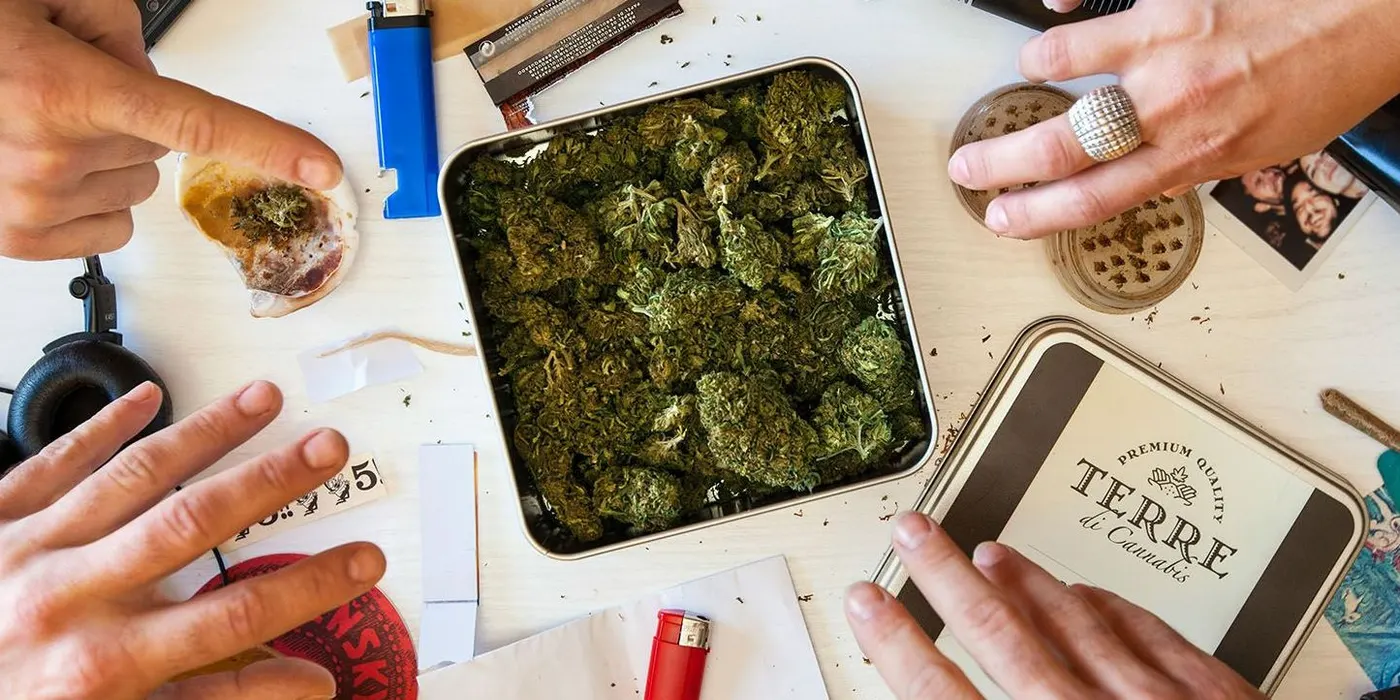


How Apple Pay Works at Dispensaries
Apple Pay at a dispensary operates like a debit card, not a credit card. Here's a quick breakdown of how it compares to other payment methods.
| Payment Method | How It Works | Limitations |
|---|---|---|
| Apple Pay | Uses your default debit or credit card via NFC; processed through Dutchie in-store | Requires a compatible device; some dispensaries may not accept credit cards through Apple Pay |
| Debit Card | Swiped or tapped; processed as a cashless ATM or debit transaction | May incur a small fee (varies by dispensary) |
| Cash | Physical currency | No fees, but requires an ATM visit |
At Green Goddess Collective, Apple Pay is accepted at checkout. You'll tap your device on the terminal, and the transaction completes in seconds. No need to fumble with cards or cash.
What to Bring to Use Apple Pay at a Dispensary
To ensure your Apple Pay works smoothly at a Venice Beach dispensary, follow these steps before you visit.
- Check your device — Make sure your iPhone or Apple Watch is charged and has Apple Pay set up with a linked debit or credit card.
- Bring a valid ID — Dispensaries are strict with IDs, so carry a government-issued photo ID that matches the name on your Apple Pay card.
- Have a backup payment — Bring cash or a debit card in case Apple Pay isn't accepted or there's a technical issue.
- Know the transaction limit — Apple Pay may have contactless payment limits; ask the dispensary if there's a maximum amount.
- Enable Face ID or passcode — You'll need to authenticate each purchase, so ensure your device's security settings are active.
Does Green Goddess Collective Accept Apple Pay?
Yes, Green Goddess Collective in Venice Beach accepts Apple Pay. You can use it at our register for a fast, contactless transaction. We process payments through Dutchie, a secure point-of-sale system used by many California dispensaries.
If you have questions about using Apple Pay or want to confirm before visiting, give us a call. We're located near the Venice Beach Boardwalk and skatepark, making us a convenient stop for locals and tourists alike.
For details on services and visits, see the main page about venice beach dispensary.
Directions to our dispensary in Venice Beach from Chace Park
Start at Chace Park and head to Green Goddess Collective at Venice Beach, CA.
Sources
Frequently asked questions
Can I use Apple Pay for all cannabis products at a dispensary?
Yes, Apple Pay can be used to purchase any cannabis product, including flower, edibles, concentrates, and accessories, as long as the dispensary accepts it. At Green Goddess Collective, Apple Pay works on all items.
Is Apple Pay safer than using a debit card at a dispensary?
Apple Pay is generally considered more secure because it uses tokenization, meaning your actual card number isn't shared with the merchant. It also requires biometric authentication (Face ID or Touch ID) for each transaction.
Do I need to set up Apple Pay before visiting a dispensary?
Yes, you need to add a debit or credit card to the Wallet app on your iPhone or Apple Watch before you can use Apple Pay. This takes just a few minutes and can be done at home or on the go.
Also asked as
- Which dispensary in Venice accepts Apple Pay?
- Can I use Apple Pay at a dispensary in Venice Beach?
- Does Green Goddess Collective take Apple Pay?